
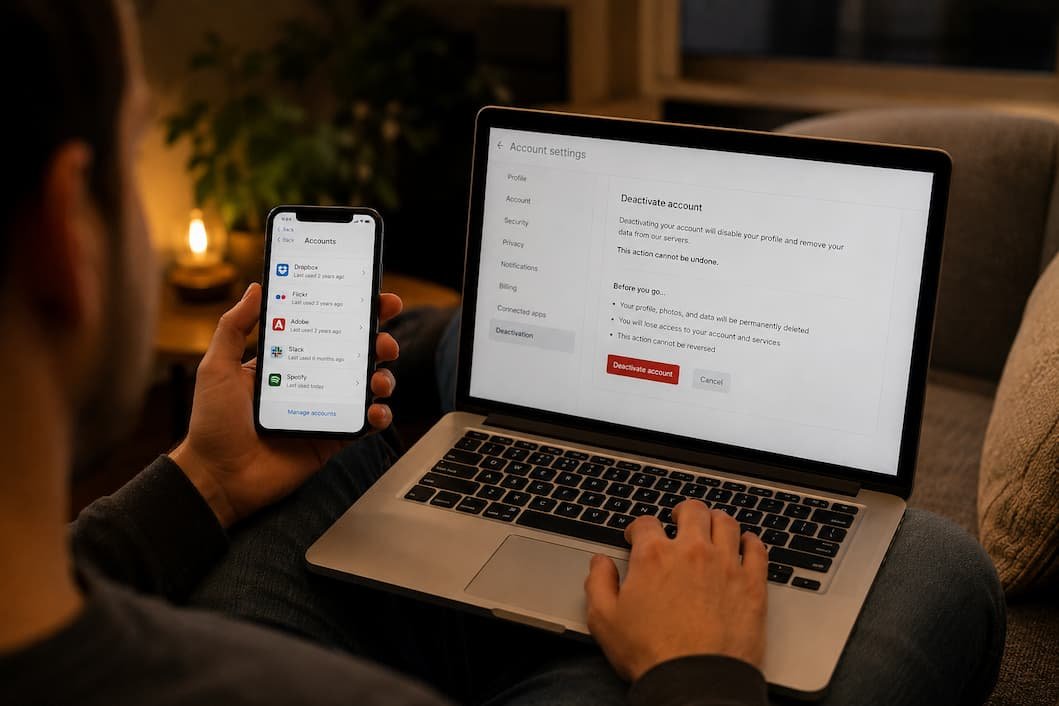
Think about how many websites you’ve signed up for over the last ten or fifteen years.
Maybe it was a forum you joined to ask one question. A shopping website you used once during a holiday sale. A photo editing app that offered a free trial. A gaming platform you stopped using years ago. A newsletter that required an account just to download a PDF.
Most people remember the services they use every week.
Very few remember the dozens—or even hundreds—they’ve left behind.
Those forgotten accounts rarely cross your mind, but they often continue to exist. Some still store your name, email address, phone number, payment details, shipping addresses, or years of personal activity. If the company later experiences a data breach, information you completely forgot about may still be sitting on its servers.
Deleting old accounts isn’t about becoming invisible online. It’s about reducing unnecessary exposure. The fewer places storing your personal information, the fewer opportunities there are for that information to be lost, stolen, or misused.
Don’t Try to Remember Everything From Memory
A common mistake is sitting down with a blank sheet of paper and trying to list every website you’ve ever joined.
It rarely works.
Instead, let your own digital history do the work for you.
Start with places that naturally record your online activity.
Those include:
- Your primary email account
- Saved passwords in your browser
- Your password manager
- Old text messages containing verification codes
- Purchase histories
- App stores
- Cloud storage services
These sources often reveal accounts you’ve completely forgotten existed.
You’ll probably be surprised by how many names you don’t even recognize anymore.
Your Email Inbox Is Usually the Best Place to Start
Every online account begins the same way.
A welcome email arrives.
Years later, that message may still be sitting quietly in your inbox.
Search for phrases such as:
- Welcome
- Verify your email
- Confirm your account
- Thanks for signing up
- Activate your account
- Password reset
- Subscription
- Account created
Don’t search for one website at a time.
Search by action.
You’ll uncover services that disappeared from your memory long ago.
As you review each result, ask yourself one question:
“Would I notice if this account disappeared tomorrow?”
If the answer is no, it’s probably worth reviewing.
Check Your Browser’s Saved Passwords
Your browser often remembers websites long after you’ve stopped visiting them.
Open your saved passwords and scroll slowly.
Rather than focusing only on the passwords themselves, pay attention to the website names.
It’s common to find accounts for the following:
- Old streaming services
- Retail stores
- Discussion forums
- Productivity tools
- Travel websites
- Job boards
- Food delivery apps
- Software trials
Even if you no longer use those services, your login credentials may still exist.
That doesn’t automatically mean you should delete every account—but it gives you a practical inventory of your online footprint.
Review Apps Connected to Your Google, Apple, or Microsoft Account
Many websites don’t require a traditional username and password anymore.
Instead, you sign in using the following:
- Continue with Google
- Sign in with Apple
- Continue with Microsoft
It’s quick and convenient.
The downside is that months later, you may not remember which services still have access to your account.
Spend a few minutes reviewing connected applications.
Ask yourself:
- Do I still use this?
- Does it still need access?
- Would removing it affect anything important?
Disconnecting unused services reduces unnecessary permissions and makes your account easier to manage.
Separate Active Accounts From Forgotten Ones
As your list grows, don’t immediately start deleting everything.
Instead, divide accounts into simple categories.
| Category | What to Do |
|---|---|
| Used regularly | Keep and review security settings |
| Used occasionally | Decide whether they’re still valuable |
| No longer needed | Prepare for deletion |
| Unsure | Investigate before deciding |
This approach prevents accidental deletion of accounts that still contain valuable purchases, documents, or subscriptions.
Check What Personal Information the Account Stores
Not every account deserves the same level of attention.
Before deleting one, look at what information it contains.
For example:
- Saved payment methods
- Purchase history
- Uploaded photos
- Personal documents
- Contacts
- Messages
- Addresses
- Loyalty points
- Active subscriptions
Sometimes downloading a copy of your information before closing the account is the smarter choice.
Once an account is permanently deleted, recovering that data may no longer be possible.
Cancel Subscriptions Before Closing the Account
Deleting an account doesn’t always cancel recurring payments.
This surprises many people.
Before closing any service, confirm whether it includes:
- Monthly memberships
- Annual plans
- Cloud storage subscriptions
- Premium upgrades
- Auto-renewing software licenses
Cancel billing first.
Then confirm the cancellation has been processed before requesting account deletion.
Doing both in the correct order helps avoid unexpected charges later.
Don’t Ignore Old Shopping Accounts
People often focus on social media while overlooking online retailers.
Shopping accounts may contain:
- Order history
- Shipping addresses
- Saved payment methods
- Gift card balances
- Warranty information
If you don’t plan to use the retailer again, consider removing saved payment methods first.
If the account serves no ongoing purpose, deleting it may be the better option.
Think Twice Before Deleting Your Primary Email Account
Some accounts should be removed.
Others deserve to stay.
Your main email account is usually the opposite of something you should delete casually.
It may still be connected to:
- Banking services
- Government websites
- Medical providers
- Tax records
- Cloud storage
- Password recovery
Removing the wrong email account can create a chain reaction that’s difficult to reverse.
Instead of deleting important accounts, focus on improving their security.
Old Social Media Profiles Can Still Reveal More Than You Think
Many people abandon social media accounts without deleting them.
Years later, those profiles may still display the following:
- Birthdays
- Photos
- Friends lists
- Employment history
- Contact details
- Personal interests
Even if the platform no longer matters to you, that information may still matter to someone trying to build a profile of your online identity.
If you don’t intend to return, consider removing personal content before deleting the account entirely.
If Deletion Isn’t Available, Reduce the Information Left Behind
Not every website offers a simple Delete Account button.
Older services sometimes only allow accounts to be deactivated—or they may require contacting customer support.
If permanent deletion isn’t possible, consider reducing the amount of information remaining.
Depending on the service, you may be able to:
- Remove your profile photo.
- Delete saved addresses.
- Remove payment information.
- Replace optional personal details.
- Delete uploaded content.
- Revoke connected applications.
While it’s not the same as deleting the account, it can still reduce the amount of personal information stored.
Create a Habit Instead of Waiting Another Decade
One reason people accumulate so many forgotten accounts is that they never review them.
A better approach is surprisingly simple.
Once or twice a year, spend half an hour reviewing:
- New accounts you’ve created.
- Services you no longer use.
- Browser password lists.
- Connected applications.
- Active subscriptions.
Small, regular reviews are much easier than trying to clean up ten years of online history all at once.
Signs an Account Is Probably Safe to Delete
If you’re unsure where to begin, these questions can help.
If you answer “No” to most of them, deleting the account is often reasonable.
| Question | Yes / No |
|---|---|
| Have I used this account in the past year? | ☐ |
| Does it contain purchases I still need? | ☐ |
| Is it linked to another important account? | ☐ |
| Would deleting it affect my work or finances? | ☐ |
| Do I expect to use this service again? | ☐ |
This isn’t a strict rule, but it’s a practical way to prioritize your decisions.
One Thing People Often Forget
Deleting an account doesn’t always remove information from your own devices.
After closing an account, it’s worth checking for leftover data such as the following:
- Saved passwords.
- Autofill entries.
- Downloaded files.
- Mobile apps.
- Browser bookmarks.
- Cached documents.
Cleaning up these remnants keeps your devices more organized and reduces confusion later when you wonder whether an account still exists.
Common Misconceptions About Deleting Online Accounts
Some people believe deleting old accounts has little value because “my information is already online anyway.”
That’s only partly true.
Reducing the number of companies storing your personal information still lowers your overall exposure if future breaches occur.
Another misconception is that inactive accounts automatically disappear after a few years. While some companies remove dormant accounts, many retain them for much longer, especially if they contain purchase records or user-generated content.
There’s also a tendency to keep accounts “just in case.” Occasionally that’s reasonable, particularly for services tied to purchases or warranties. But keeping dozens of unused accounts simply because you might need them someday usually creates more clutter than value.
Frequently Asked Questions
How can I remember all the websites I’ve signed up for?
Your email inbox, browser’s saved passwords, password manager, and connected account settings are usually the best places to begin.
Should I delete every account I no longer use?
Not necessarily. Consider whether the account contains important purchases, subscriptions, warranties, or documents before making a decision.
What if a website doesn’t let me delete my account?
Some services only allow deactivation or require contacting customer support. If deletion isn’t possible, remove as much personal information as the service allows.
Is removing an app the same as deleting the account?
No. Uninstalling an app usually removes it from your device, but your online account and its associated data may still exist.
Should I remove saved payment methods first?
Yes. If you no longer plan to use the service, removing stored payment information before deleting the account is generally a good practice.
How often should I review old accounts?
Once or twice a year is enough for most people. Regular reviews prevent forgotten accounts from accumulating over time.
Will deleting old accounts improve my online security?
It can. Fewer active accounts mean fewer passwords to manage, fewer companies storing your information, and fewer opportunities for unused accounts to become security risks.
Conclusion
Most people don’t realize how many online accounts they’ve accumulated until they start looking. Forgotten shopping sites, abandoned forums, unused productivity apps, and old subscriptions quietly collect personal information long after they’ve disappeared from your daily routine.
Cleaning up those accounts isn’t about erasing your digital history—it’s about managing it more deliberately. By identifying services you no longer use, reviewing the information they store, cancelling unnecessary subscriptions, and deleting accounts that no longer serve a purpose, you reduce both digital clutter and unnecessary risk.
You don’t have to finish everything in one afternoon. Start with a single email search, review your saved passwords, and work through a few accounts at a time. Consistent progress is far more practical than waiting until your digital footprint becomes overwhelming.

Daniel Kareem is a digital productivity and technology writer focused on simplifying everyday tech use. He creates practical guides on online safety, device optimization, and efficient workflows. His approach centers on clear, step-by-step advice that helps users stay organized, secure, and productive. Through straightforward and realistic content, he aims to make technology easier to understand and more useful in daily life.