Why Your Laptop Battery Drains So Quickly and How to Find What Is Using It
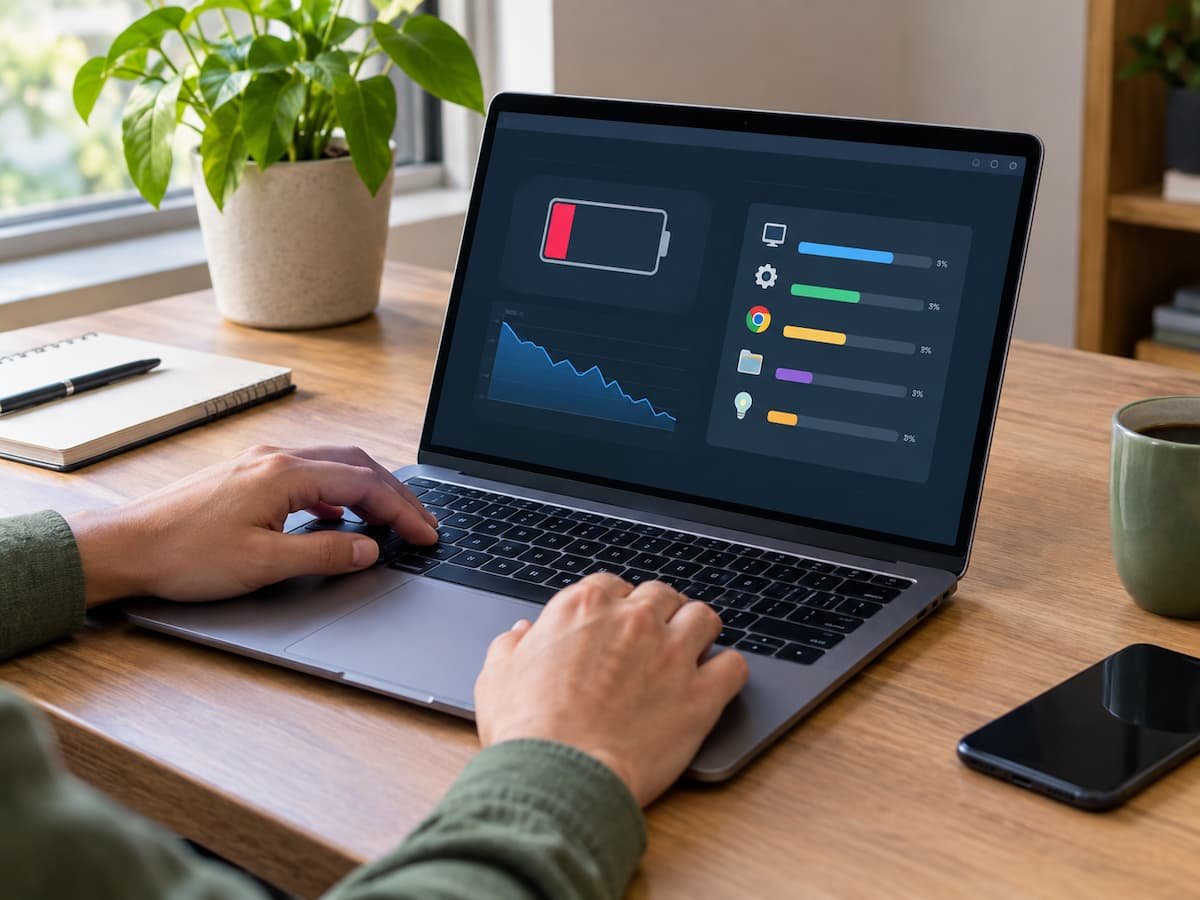
A laptop battery that suddenly drains much faster than expected does not always mean the battery is failing. A demanding application, a bright display, a high-performance power mode, connected hardware, background activity, or unusual sleep behavior can all increase power consumption. The important question is not simply, “How can I make my battery last longer?” … Read more
How to Reduce RAM Usage in Windows 11 Without Constantly Closing Apps

The fact that Windows 11 consumes a lot of memory does not necessarily mean there is a problem. Windows actively uses available memory to keep frequently accessed data readily available, and applications such as browsers, communication tools, editors, launchers, and cloud storage clients also consume memory while running. The real issue usually lies not in … Read more

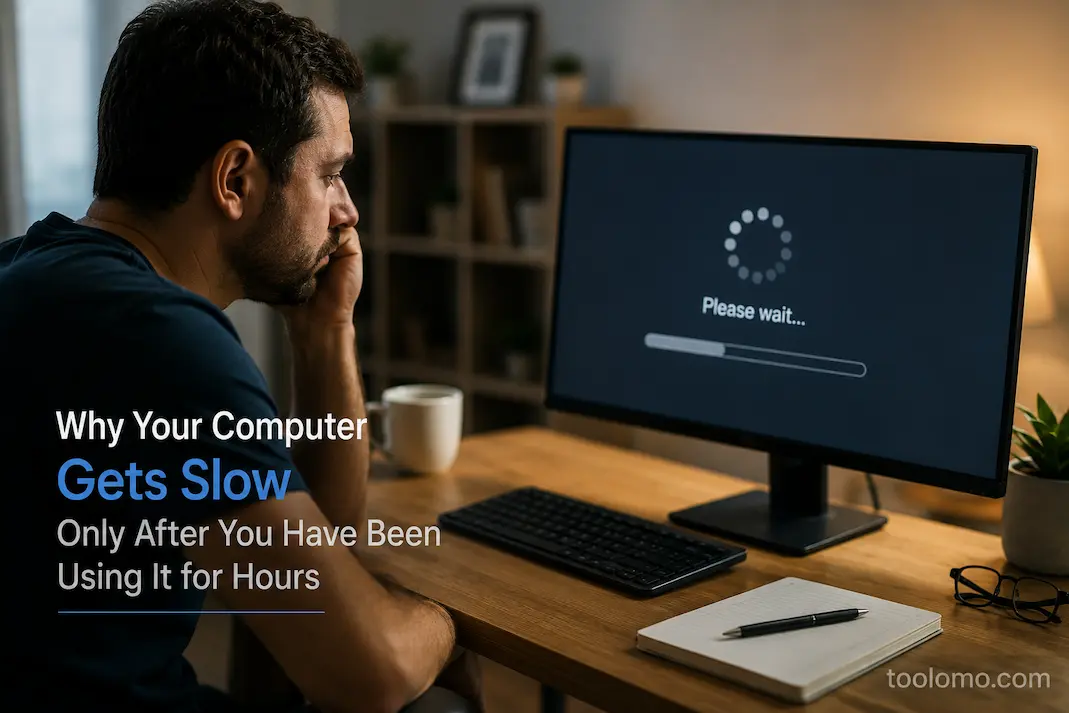
Why Your Computer Gets Slow Only After You Have Been Using It for Hours

A computer that works normally when you first turn it on but becomes noticeably slower after several hours can be particularly frustrating. The machine may open applications quickly in the morning, respond normally for a while, and then gradually become sluggish as the day continues. You may notice delays when switching between windows, typing, opening … Read more

A Practical Monthly Checklist for Keeping Windows Running Smoothly

Some vulnerabilities in Windows systems don’t appear overnight; they quietly accumulate. For instance, a plug-in you installed but ignored might now be running in the background; three new applications might have been automatically added to your startup items; Windows might push feature updates without your permission; and large downloaded files might remain in your ‘Downloads’ … Read more

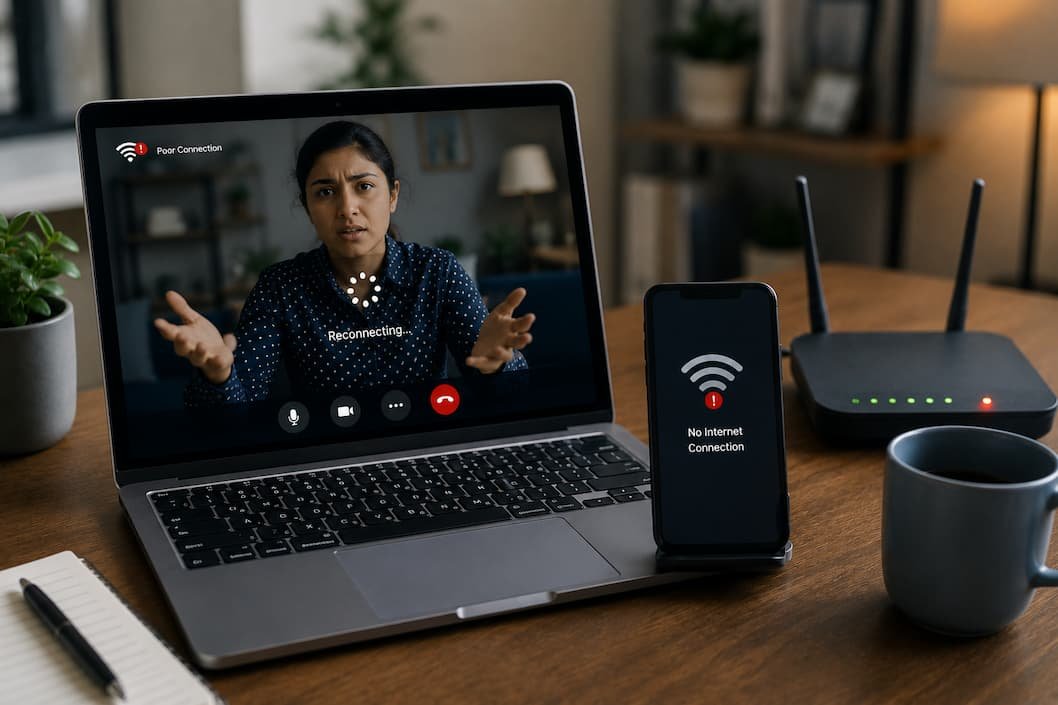
How to Diagnose Random Wi-Fi Disconnects on Windows Step by Step

You join a video meeting, everything works normally for ten minutes, and then your Wi-Fi disconnects without warning. Before you have time to investigate, the connection returns on its own. The browser reloads, messages start arriving again, and by the time you open the network settings, everything looks perfectly normal. That’s what makes random Wi-Fi … Read more