How to Check Whether a USB-C Cable or Charger Is Causing a Device Problem
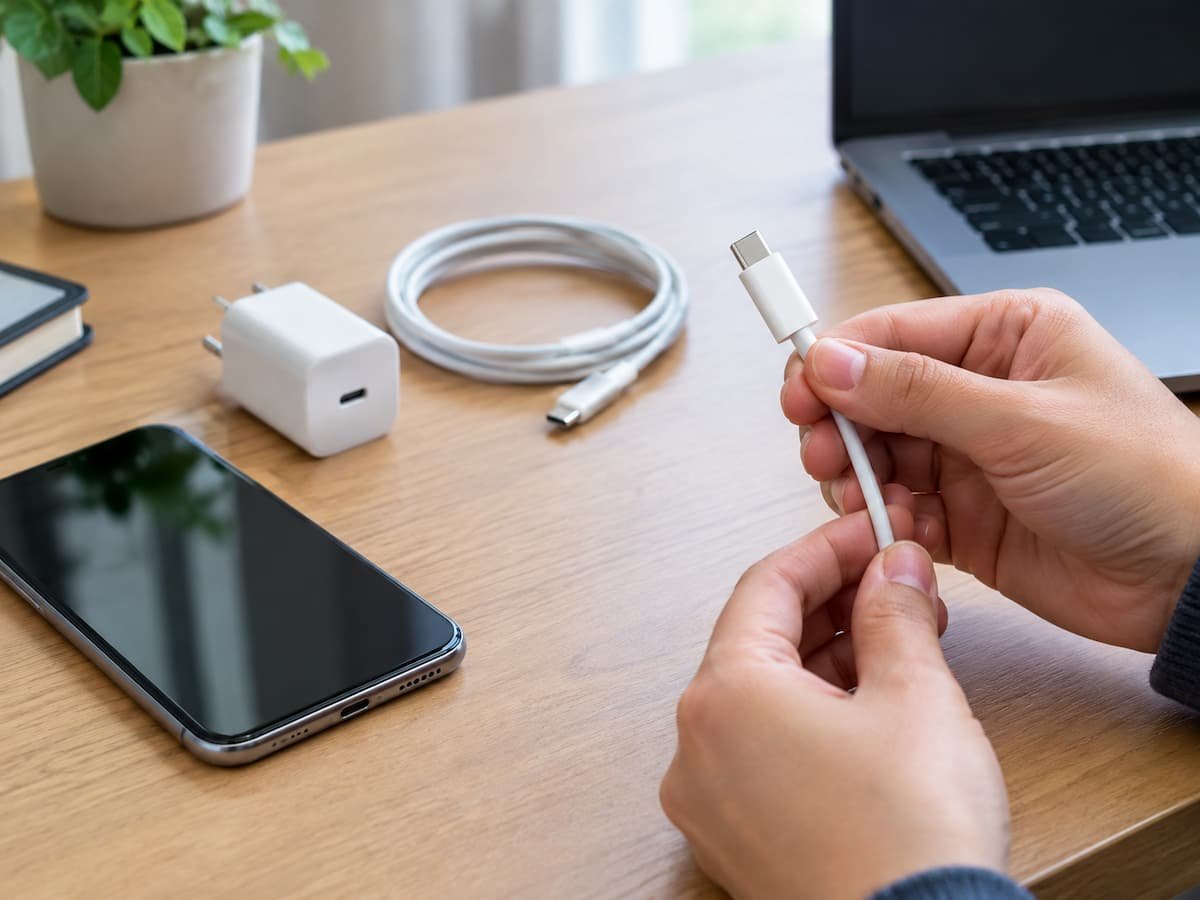
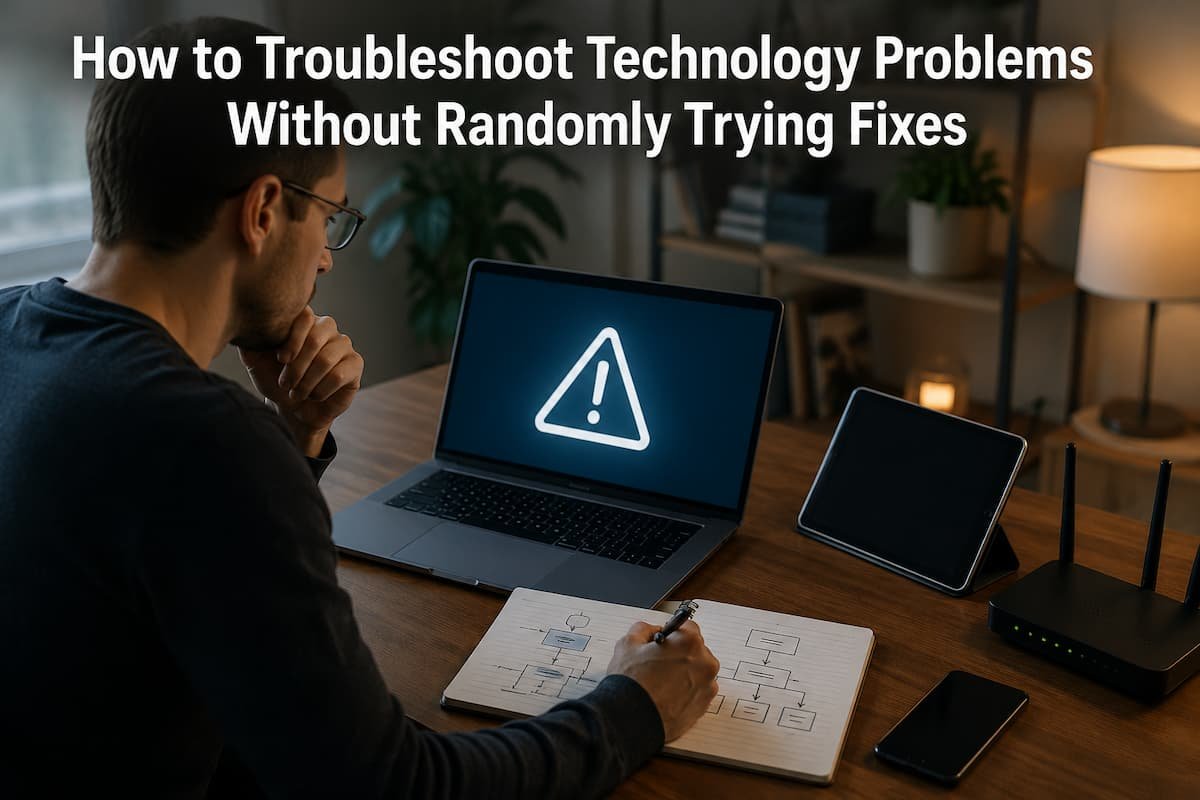
USB-C problems can be surprisingly difficult to diagnose because several different components are involved. A phone may refuse to charge, a laptop may charge slowly, a USB drive may disconnect, or an external monitor may remain blank. The connector can look perfectly normal even when the cable, charger, port, or accessory is the actual cause. … Read more
The Safest Way to Find Duplicate Files Without Deleting the Wrong Ones

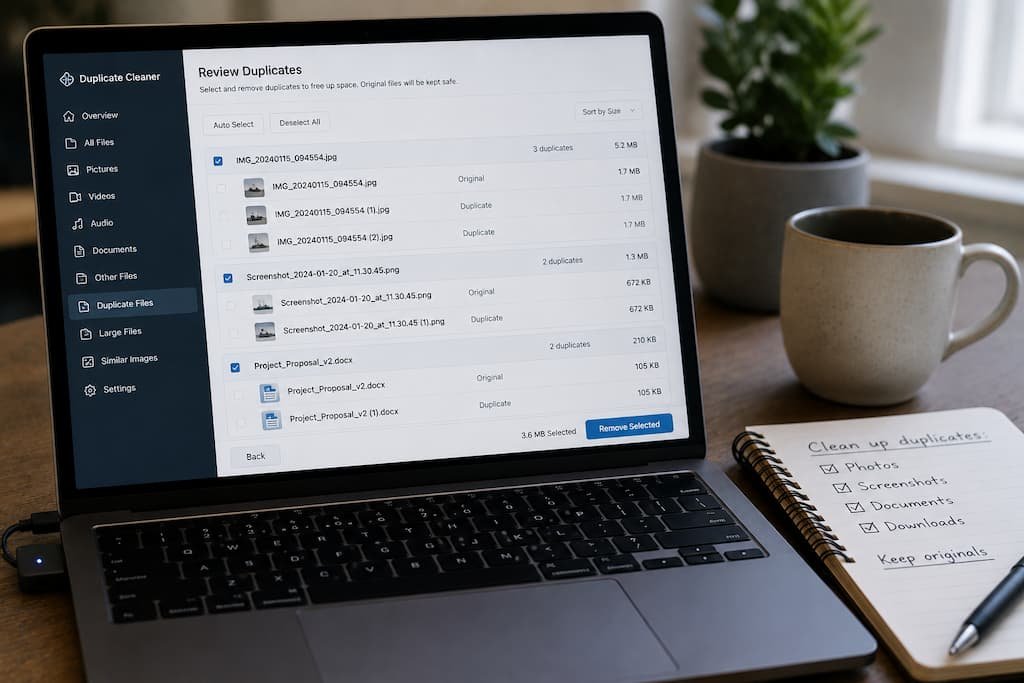
Imagine spending an entire weekend organizing your photo library. You finally remove hundreds of “duplicate” images, empty the Recycle Bin, and feel satisfied that you’ve recovered nearly 40GB of storage. A few days later, you open an old project only to realize the original RAW photos are gone, while the smaller edited JPEG versions are … Read more

Bluetooth Stopped Working on Windows? Here’s How to Track Down the Real Cause

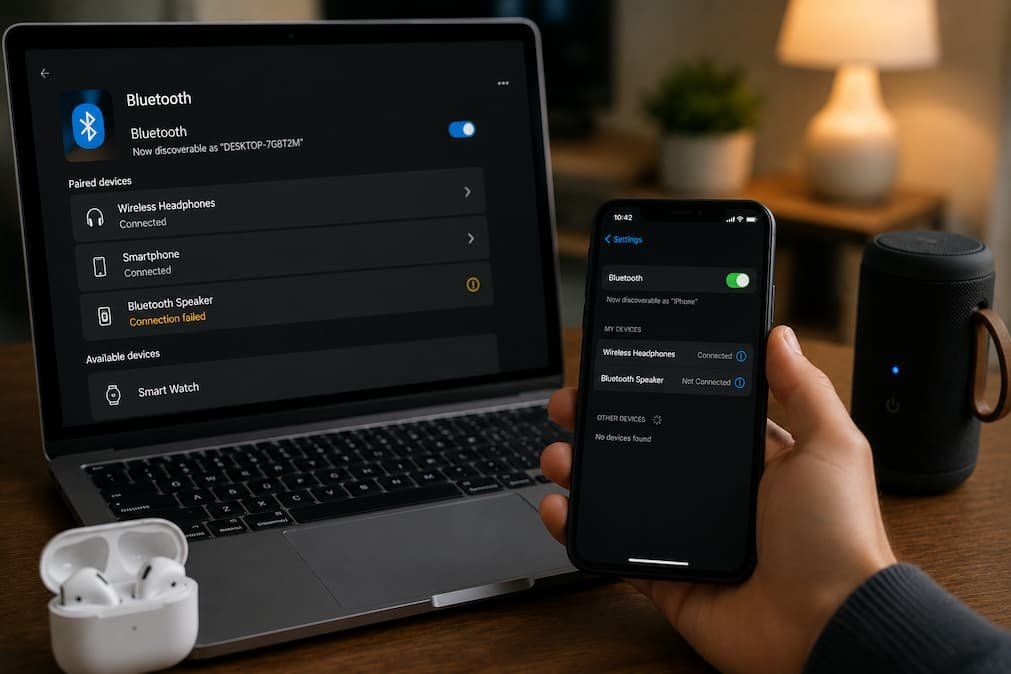
You sit down to work, switch on your wireless headphones, and… nothing happens. Windows doesn’t detect them. Maybe your Bluetooth mouse has stopped responding, or the Bluetooth toggle has disappeared entirely from Settings. You restart the computer, hoping it’s just a temporary glitch, but the problem is still there. At that point, it’s natural to … Read more

How to Transfer Files to a New PC Without Losing Anything

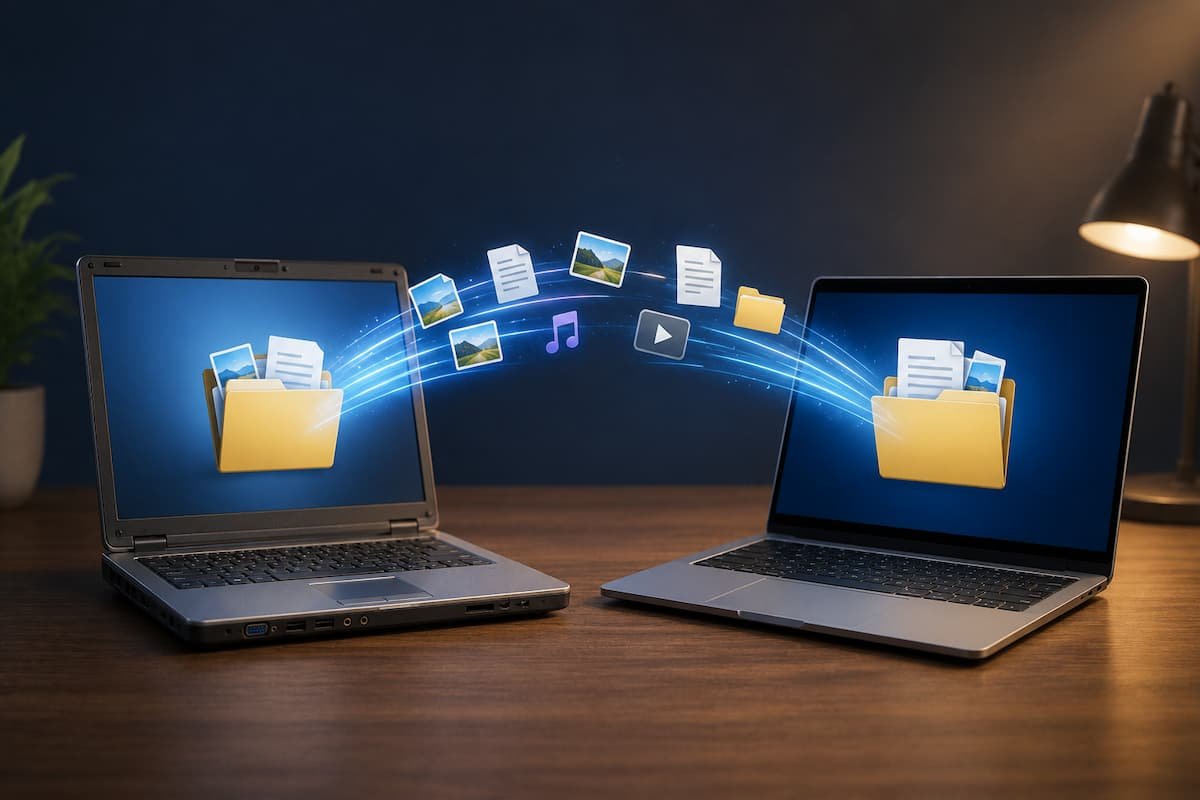
Buying a new PC is exciting until you realize how much of your digital life lives on the old one. Documents are only part of the picture. Browser bookmarks, saved passwords, email archives, application settings, family photos, downloaded files, software licenses, and years of accumulated folders all need to make the journey as well. Missing … Read more

Why Your Windows PC Takes Forever to Start (And Which Fixes Actually Work)

Last Updated: 21 July 2026. There are few things more frustrating than pressing the power button, grabbing a cup of coffee, and finding your Windows PC is still loading when you get back. What’s confusing is that this scenario often happens even on computers with decent hardware. You might have enough RAM, plenty of free … Read more

What’s Really Taking Up Space on Your Windows PC (And How to Reclaim It Safely)

You don’t usually notice your storage filling up gradually. Instead, Windows waits until you’re installing a large application, downloading a game, or trying to apply a feature update before displaying the dreaded “Low Disk Space” warning. The confusing part is that when you start looking through your Documents, Pictures, and Videos folders, everything appears normal. … Read more