
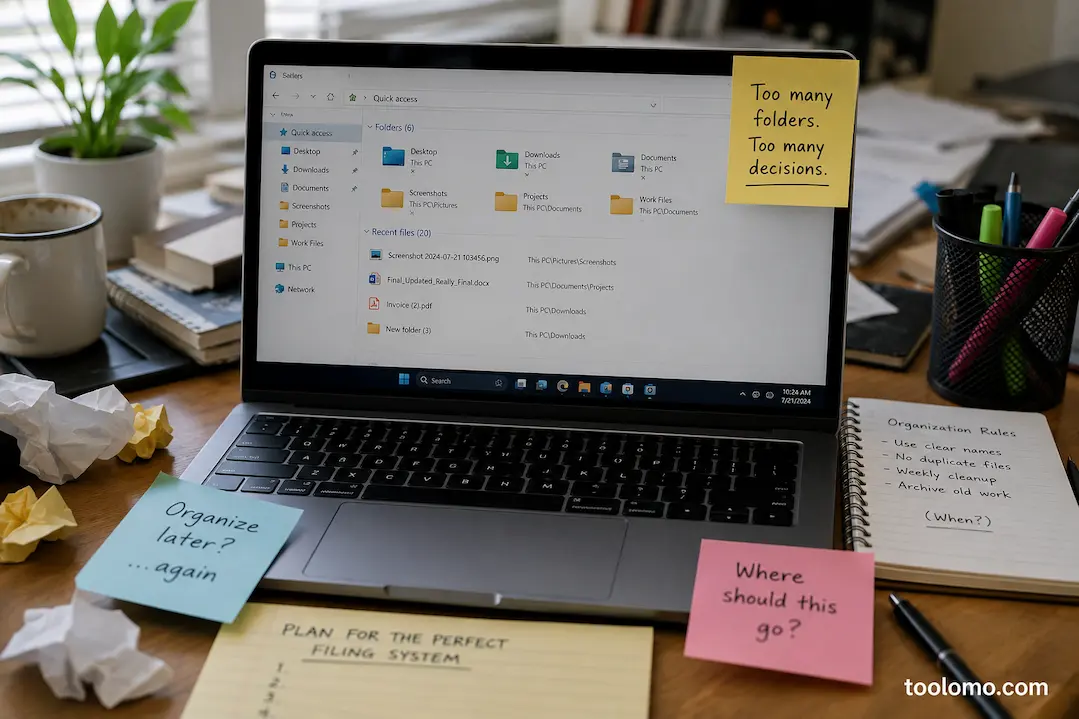
A few years ago, I spent nearly an entire Saturday reorganizing my computer. I created neatly labeled folders, color-coded projects, renamed hundreds of files, and even wrote down rules for where every document should go. By Monday, everything looked perfect. Three weeks later, my Downloads folder was full again, screenshots were scattered across the desktop, and new documents were being saved wherever the application suggested.
What surprised me wasn’t that I had stopped following the system—it was how quickly it happened. The organization method wasn’t technically flawed. It simply demanded more attention than I was willing to give during a busy workday. That experience changed the way I think about digital organization. A system doesn’t succeed because it’s beautifully designed; it succeeds because you can still follow it when you’re tired, distracted, or in a hurry.
Since then, I’ve looked at countless computers belonging to friends, coworkers, and family members. The same pattern appears repeatedly. People don’t abandon their organization systems because they’re lazy. They abandon them because those systems quietly become harder to maintain than they expected.
The Excitement of Building Is Different From the Reality of Using
Creating an organization system feels productive. There’s something satisfying about designing folder structures, choosing naming conventions, and imagining how tidy everything will look in the future. The problem is that building the system happens once, while using it happens every single day.
I’ve noticed that many people unknowingly optimize for the setup process instead of the daily routine. They create an impressive structure that works beautifully during an afternoon of organizing but becomes frustrating when they’re trying to save a document between meetings or quickly download an attachment before joining a video call. A good system should demand very little thought during ordinary work. If saving one file requires stopping to decide between four nearly identical folders, the system is already asking too much.
Every Extra Decision Creates Friction
One lesson I’ve learned is that digital organization fails gradually, not suddenly. It often begins with a single file. You download a PDF and hesitate for a moment. Should it go into Projects, Reference, Invoices, or Personal Documents? Instead of deciding, you leave it in Downloads and promise yourself you’ll organize it later.
That tiny delay doesn’t seem important. But repeat it dozens of times over several weeks, and temporary decisions quietly become permanent habits. Before long, the organization system hasn’t technically failed—you’ve simply stopped using it. The easier it is to decide where something belongs, the more likely you’ll keep the system alive.
Organizing for Your Future Self Usually Doesn’t Work
When people build folder structures, they often imagine an ideal version of themselves. This future person will carefully rename every file, archive completed work every Friday, remove duplicates immediately, and never forget where anything belongs.
Unfortunately, the version of yourself who actually uses the computer may be rushing to meet a deadline, answering messages, or switching between several tasks at once. I’ve found it’s much more effective to design around real habits than ideal ones. If you usually save documents quickly and organize them later, your system should make that process easy rather than expecting perfect discipline every day.
Too Many Categories Create More Confusion Than Clarity
It’s tempting to believe that creating more folders automatically makes everything more organized. In practice, I’ve often seen the opposite happen. A folder called Work gradually becomes Work 2025, Work Current, Work Archive, Projects, Client Projects, Client Documents, and several other categories that overlap just enough to create uncertainty.
When people aren’t sure where something belongs, they often create another folder instead of simplifying the existing structure. Eventually, the organization system becomes difficult not because it lacks categories—but because it has too many.
Searching Has Changed the Way We Find Files
Years ago, browsing folders was the primary way to locate documents. Today, Windows Search has become much more capable than many people realize. I often find files by remembering part of the filename, a keyword inside the document, or even the approximate date it was modified.
That doesn’t mean folders are no longer useful. They still provide context and help keep related work together. However, I’ve stopped trying to create the perfect folder hierarchy for everything. Instead, I focus on giving files meaningful names because search usually depends more on filenames than on where the file happens to be stored. A clearly named document is often easier to find six months later than one hidden inside six levels of folders.
Naming Files Matters More Than Most People Think
I’ve noticed that many organization problems begin long before a file reaches its folder. Imagine downloading five invoices named
- Invoice.pdf
- Invoice (1).pdf
- Final.pdf
- Final New.pdf
- Document.pdf
Even if those files are stored in the correct folder, finding the right one later becomes unnecessarily difficult. I now spend a few extra seconds giving important files descriptive names while they’re still fresh in my mind.
For example:
- Marketing Budget Q3 2026
- Kitchen Renovation Quote April
- Laptop Warranty Receipt Dell XPS
Those names make sense months later without needing to remember where they were originally saved.
Simplicity Usually Lasts Longer Than Perfection
Some of the most organized people I’ve worked with don’t have the most complicated systems. Their desktops aren’t perfectly empty, and their folder structures aren’t works of art. What they do have is consistency.
Their files go to the same general places every time, naming conventions remain predictable, and they don’t spend unnecessary time reorganizing things that are already easy to find. That consistency turns out to be far more valuable than having the most detailed organization system imaginable.
The Downloads Folder Isn’t the Enemy
The Downloads folder has earned a bad reputation over the years. People often treat it as evidence that they’re disorganized, but I’ve started looking at it differently. Downloads is really a temporary workspace. The problem isn’t that files appear there—it’s that they never leave. If every downloaded document, installer, image, and PDF stays in the same place for months, finding anything becomes increasingly difficult.
Rather than trying to keep Downloads permanently empty, I treat it like a desk. During the week it may become busy, but every couple of weeks I spend a few minutes removing installers I no longer need, moving important documents to their long-term location, and deleting files that served a one-time purpose. That routine is far easier to maintain than expecting the folder to stay spotless every day.
Stop Organizing Files You May Never Use Again
One habit I eventually abandoned was creating elaborate folder structures for information I was unlikely to revisit. Years ago, I saved articles, PDFs, screenshots, and reference material “just in case.” Everything was carefully categorized, yet months later I couldn’t remember most of it existed.
Now I ask a simple question before filing something:
“Am I realistically going to look for this again?”
If the answer is no, I delete it instead of spending time organizing it. A smaller collection of genuinely useful files is much easier to manage than thousands of documents kept only because they might be useful someday.
A Folder Structure Should Match How You Think
I’ve noticed that many organization systems fail because they follow someone else’s logic instead of the owner’s. Some people naturally think in terms of clients, while others think in projects, dates, or subjects. None of those approaches are universally correct.
For example, if you always remember work by the company name, creating folders by year may force you to stop and think every time you save a file. Likewise, someone who remembers everything by date may find alphabetical categories frustrating. The best filing system is usually the one that feels obvious without requiring you to remember special rules.
Maintenance Beats Reorganization
One pattern I’ve seen repeatedly is people rebuilding their entire filing system every year. At first, it feels like a fresh start. New folders are created, old ones are renamed, and everything is moved around. Unfortunately, the same problems usually return because the daily habits haven’t changed.
I’ve had much better results with small maintenance sessions instead. Every month or two, I spend ten or fifteen minutes reviewing recent files, deleting duplicates, removing empty folders that no longer serve a purpose, and relocating anything that was temporarily saved in the wrong place. Those short reviews prevent clutter from growing into a project that requires an entire weekend to fix.
A Quick Reality Check I Use
Whenever I feel tempted to redesign my folder structure, I pause and ask myself a few questions.
- Can I usually find what I need within a minute?
- Am I searching for files more often than browsing folders?
- Are folder names still meaningful?
- Have I created categories I never actually use?
- Is today’s system harder to maintain than it was six months ago?
If most answers are positive, I leave the system alone. Improving an organization method doesn’t always mean changing it.
A Simple Comparison
| Habit | What Usually Happens |
|---|---|
| Creating dozens of detailed folders | Saving files becomes slower and inconsistent. |
| Using descriptive filenames | Windows Search becomes much more effective. |
| Organizing every file immediately | The system often becomes difficult to maintain. |
| Reviewing files every month | Clutter stays manageable without major cleanups. |
| Creating folders only when needed | The structure grows naturally instead of becoming overcrowded. |
| Keeping only useful files | Finding important documents becomes much easier. |
Digital Clutter Usually Builds Quietly
Unlike a messy desk, digital clutter doesn’t immediately get in your way. Your computer keeps working, new files continue saving, and storage gradually fills without drawing much attention. Because the clutter isn’t visible all at once, it’s easy to postpone dealing with it.
That’s why small habits matter so much. Renaming an important document today, deleting a duplicate file tomorrow, or clearing out unused downloads next week doesn’t feel significant on its own. Over the course of a year, however, those small actions create a filing system that’s much easier to navigate than one built around occasional large cleanups.
Final Thoughts
Most digital organization systems don’t fail because the folders are arranged incorrectly. They fail because they expect people to make too many decisions during ordinary work. The systems that last are usually the ones that feel almost invisible. You don’t have to stop and think where every document belongs, and you don’t spend weekends redesigning the structure from scratch. Instead, you rely on simple habits, clear filenames, and occasional maintenance to keep everything under control.
Over time, I’ve found that the goal isn’t to build the most organized computer. It’s to build one where finding what you need feels effortless, even months after you last opened the file.
FAQs
1. Should I organize files into lots of folders?
Not necessarily. Too many categories often make saving files more difficult. A smaller number of clearly defined folders is usually easier to maintain over time.
2. Is Windows Search reliable enough to replace folders?
Windows Search has improved significantly and works especially well when files have descriptive names. Folders still provide useful structure, but search is often the fastest way to locate individual documents.
3. How often should I clean up my files?
For most people, a short review every month or two is enough. Regular maintenance prevents clutter from becoming overwhelming without requiring major reorganization projects.
4. Should I keep every document just in case I need it later?
Probably not. If a file has no practical value and you’re unlikely to look for it again, deleting it can make your remaining documents much easier to manage.
5. What’s the biggest reason organization systems fail?
In my experience, it’s creating a system that’s harder to maintain than your everyday routine. A simple method you consistently follow will always outperform a perfect system that gets abandoned after a few weeks.

Daniel Kareem is a digital productivity and technology writer focused on simplifying everyday tech use. He creates practical guides on online safety, device optimization, and efficient workflows. His approach centers on clear, step-by-step advice that helps users stay organized, secure, and productive. Through straightforward and realistic content, he aims to make technology easier to understand and more useful in daily life.