
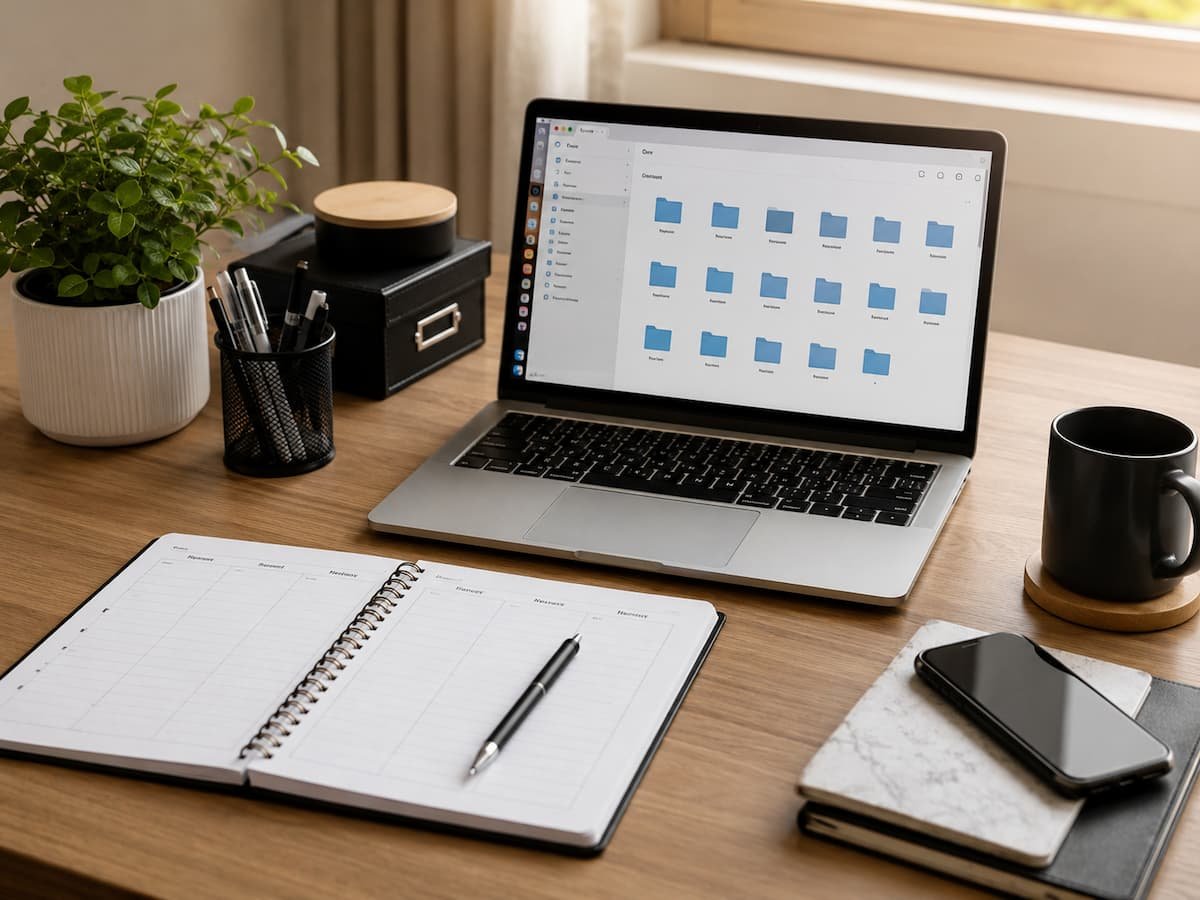
Digital clutter builds slowly. A few downloaded files here, hundreds of unread emails there, unfinished tasks scattered across different apps, and random documents saved without a clear location can quickly make your digital life feel overwhelming. Unlike physical clutter, digital mess is easy to ignore because it does not take up visible space. However, it can still waste time, increase frustration, and make it harder to find important information when you need it.
Many people try to solve this problem by organizing everything once a year or downloading new productivity apps. The problem is that digital organization is not a one-time project. It works better as a regular habit that keeps small problems from becoming large ones.
A weekly digital reset is a simple routine where you review, clean, and organize the important parts of your digital environment. It helps you regain control over files, tasks, emails, notes, and online accounts without spending hours every month fixing digital chaos. This guide explains how to create a beginner-friendly weekly digital reset routine, what areas to review, common mistakes to avoid, and practical ways to maintain a cleaner digital workspace.
Understanding Why Digital Clutter Happens
Digital clutter happens for the same reason physical clutter happens: information enters your life faster than you organize it. The difference is that digital files are easier to create, duplicate, and forget about. A single day can create many digital items. You might download documents, receive email attachments, save screenshots, create temporary files, bookmark websites, and add tasks to different apps. Without a system, these items slowly spread across your devices.
Digital clutter does not only affect storage space. It also creates small decisions throughout the day. When you cannot quickly find a document, remember where a note was saved, or decide which task list is correct, your attention is divided. A well-designed digital system reduces these decisions by creating clear places for information. The goal is not to organize every file perfectly. The goal is making your digital environment easier to use.
Why a Weekly Digital Reset Matters
A weekly reset works because it prevents digital problems from growing. Instead of waiting until your computer, cloud storage, and task lists become difficult to manage, you spend a short amount of time maintaining them regularly. Think of it like basic home maintenance. Small regular actions usually require less effort than large cleaning sessions after months of neglect.
| Without a Reset | With a Weekly Reset |
|---|---|
| Files become difficult to locate | Important files stay organized |
| Tasks are forgotten | Priorities remain visible |
| The email inbox keeps growing | Messages are reviewed regularly |
| Digital tools become confusing | Systems stay simple and useful |
The Goal Is Control, Not Perfection
Many people avoid organizing their digital life because they imagine a complicated system with hundreds of folders and strict rules. A weekly reset does not require perfection. The purpose is simply to create a predictable routine where you check what needs attention, remove what is unnecessary, and prepare your digital environment for the coming week.
Key Idea: A digital reset is maintenance, not a complete rebuild. Small weekly improvements create long-term control.
Preparing for Your Digital Reset Routine
Before starting your first digital reset, decide when and where you will do it. A routine becomes easier to maintain when it has a clear place in your schedule.
Choose a Regular Time: Many people prefer doing a digital reset at the end of the week because it creates a cleaner starting point for the next week. However, the best time depends on your personal schedule.
Create a Simple Reset Order: Following the same order each time makes the process easier. You do not need to check every digital area every day. Focus on the areas that affect your work, learning, or personal organization.
A simple reset order could start with tasks, then files, emails, notes, and finally security checks. The exact order is less important than having a repeatable process.
Organizing Files and Folders Efficiently
Files are one of the biggest sources of digital clutter because people often save documents quickly without deciding where they belong. Over time, this process creates folders filled with unrelated files and confusing names. A useful file system should help you answer one question quickly: “Where would I naturally look for this file later?”
Create Simple Main Folders
| Main Folder | Possible Contents |
|---|---|
| Work | Projects, documents, reports |
| Personal | Important personal files |
| Learning | Courses, research, notes |
| Archive | Older files you want to keep |
Use Clear File Names
A file name should provide enough information to identify the file without opening it. Names like “document1” or “final-version-new” create confusion later. A better naming style includes useful details such as the topic, date, or version when needed. For example, a project document should clearly show what it contains and when it was created.
Avoid Creating Too Many Folders
One common mistake is building an overly complicated folder structure. If finding a file requires opening many layers of folders, the system becomes frustrating. The best organization system is one you can maintain easily. Simple categories usually work better than complex systems that require constant effort.
Cleaning Your Downloads Folder
The downloads folder is one of the fastest places to collect digital clutter. Many files are downloaded for temporary use and then forgotten.
| Download Type | Action |
|---|---|
| Important documents | Move to the correct folder |
| Temporary files | Delete if no longer needed |
| Duplicate files | Remove unnecessary copies |
| Unknown files | Review before deleting |
A Simple Downloads Habit
Instead of allowing downloads to collect for months, review them during your weekly reset. Ask whether each file has a purpose. If it does, move it. If it does not, remove it. This small habit prevents one of the most common sources of digital mess.
Managing Cloud Storage
Cloud storage has made it easier than ever to save and access files from different devices. However, convenience can also create clutter. Many people upload files automatically but rarely review what they have stored, which results in duplicate documents, outdated backups, and folders that no longer make sense. A weekly digital reset is a valuable opportunity to check whether your cloud storage still reflects how you actually work. The goal is not to delete everything. The goal is making your storage easier to understand and maintain.
| Cloud Storage Problem | Simple Solution |
|---|---|
| Duplicate files | Keep the most recent useful version |
| Old unused folders | Archive or remove unnecessary items |
| Random file locations | Create clear categories |
| Large unnecessary files | Review and remove files you no longer need |
Create a Cloud Storage Routine
During your reset, review recent uploads, organize important documents, and confirm that you have stored files in logical places. If you use multiple cloud services, decide which one is the main location for important information. Using several storage systems without a clear purpose can create confusion. A simple rule is helpful: important files should have one clear home.
Reviewing Tasks and Digital To-Do Lists
Many people use task apps to stay organized but rarely clean them. Over time, task lists can become crowded with old reminders, unfinished projects, and tasks that no longer matter. A weekly review helps you separate meaningful tasks from outdated information. This makes your task system more useful because it shows what actually requires attention.
The Weekly Task Review Process
Start by looking at everything currently on your list. Do not immediately add more tasks. First decide what still matters. A simple review involves asking three questions: Does this still need to happen? Is now the right time? What is the next action? Many people feel overwhelmed because their task system stores everything they might do someday. Separating active responsibilities from future ideas creates a clearer view of what needs attention now.
Reducing Email Clutter
Email is one of the biggest sources of digital overload because messages continue arriving every day. Without a simple system, advertisements, notifications, and outdated conversations can mix with important information. The goal of email organization is not keeping an empty inbox at all times. The goal is making sure important messages are easy to find and unnecessary messages do not distract you.
| Email Category | Action |
|---|---|
| Important messages | Reply, save, or organize |
| Newsletters you no longer read | Unsubscribe |
| Old notifications | Delete if unnecessary |
| Reference emails | Create a useful folder or label |
Avoid the Common Inbox Mistake
A common mistake is using the inbox as a permanent storage location. While this approach may seem convenient, it makes searching harder over time. Instead, treat your inbox as a place for messages that need attention. Once something has been handled, move it to an appropriate location or archive it.
Organizing Digital Notes and Information
Digital notes are useful because they allow people to capture ideas quickly. The problem begins when you create notes without a system. After months of collecting information, finding a specific idea can become difficult. A well-designed note system should help you capture information quickly and retrieve it easily later.
| Note Category | Example |
|---|---|
| Projects | Ideas and information related to current work |
| Reference | Information you may need later |
| Personal | Goals, plans, and personal reminders |
| Archive | Older notes that are still useful |
Review Notes During Your Reset
During your weekly reset, please take a moment to review recent notes. Remove duplicates, update outdated information, and move important ideas into the correct categories. The purpose is not rewriting every note. It is maintaining a system where useful information remains accessible.
Checking Digital Security During Your Reset
A weekly digital reset is not only about organization. It is also a good time to perform basic security checks. A cleaner digital environment makes it easier to notice unusual activity and manage important accounts.
| Security Check | Reason |
|---|---|
| Review important accounts | Confirm information is accurate |
| Install available updates | Maintain device security |
| Review saved passwords | Remove outdated accounts |
| Check backups | Ensure important files are protected |
Do Not Ignore Backups
Many people only think about backups after losing important files. A regular review helps confirm that you store important documents, photos, and other data safely. A backup system should be simple enough that you can maintain it consistently. A complicated system that you never review does not provide much protection.
Weekly Digital Reset Checklist
The following checklist can help beginners create a repeatable routine. You can complete it weekly or adjust it based on how much digital information you manage.
- Review your task list and remove any outdated items.
- Organize important files from the past week.
- Clean the downloads folder.
- Review the cloud storage for any unnecessary duplicates.
- Process important emails.
- Organize recent notes.
- Review device updates and backups.
- Remove digital items that no longer serve a purpose.
FAQs
1. Do I need special apps for digital organization?
No. Many people can create an effective system using basic tools already available on their devices. Apps can help, but the most important factor is having clear habits and a simple organization method that fits your needs.
2. How do I stop digital clutter from returning?
The best way is creating small habits during daily use. Save files in the correct location, remove unnecessary downloads, and review tasks regularly. A weekly reset works best when combined with better everyday decisions.
3. What should I organize first if my digital life feels overwhelming?
Start with the areas that affect your daily work the most, such as your task list, email, or important files. Do not try to organize everything at once. Improving one area at a time creates progress without creating additional stress.
4. Is digital organization the same as digital minimalism?
They are related but different. Digital organization focuses on creating systems for managing information, while digital minimalism focuses on reducing unnecessary digital activity. You can organize many files while still choosing to keep a simple digital lifestyle.
Conclusion
A weekly digital reset is a simple way to keep your files, tasks, and online information under control. Instead of waiting until digital clutter becomes frustrating, regular maintenance helps you stay organized with less effort.
The most effective system is not the most complicated one. It is a routine that fits naturally into your life. Reviewing tasks, organizing files, cleaning email, checking backups, and removing unnecessary information can create a calmer digital environment. Digital organization is an ongoing process rather than a one-time project. By spending a small amount of time each week maintaining your system, you can make your devices easier to use and your important information easier to find.
References
- National Institute of Standards and Technology (NIST) – Cybersecurity and Digital Safety Guidelines.
- Microsoft Support – File Management and Storage Organization Resources.
- Google Workspace Learning Center – Productivity and File Organization Guidance.
- Apple Support – Device Storage and File Management Resources.
- University Digital Literacy Programs – Information Management Best Practices.

Daniel Kareem is a digital productivity and technology writer focused on simplifying everyday tech use. He creates practical guides on online safety, device optimization, and efficient workflows. His approach centers on clear, step-by-step advice that helps users stay organized, secure, and productive. Through straightforward and realistic content, he aims to make technology easier to understand and more useful in daily life.