
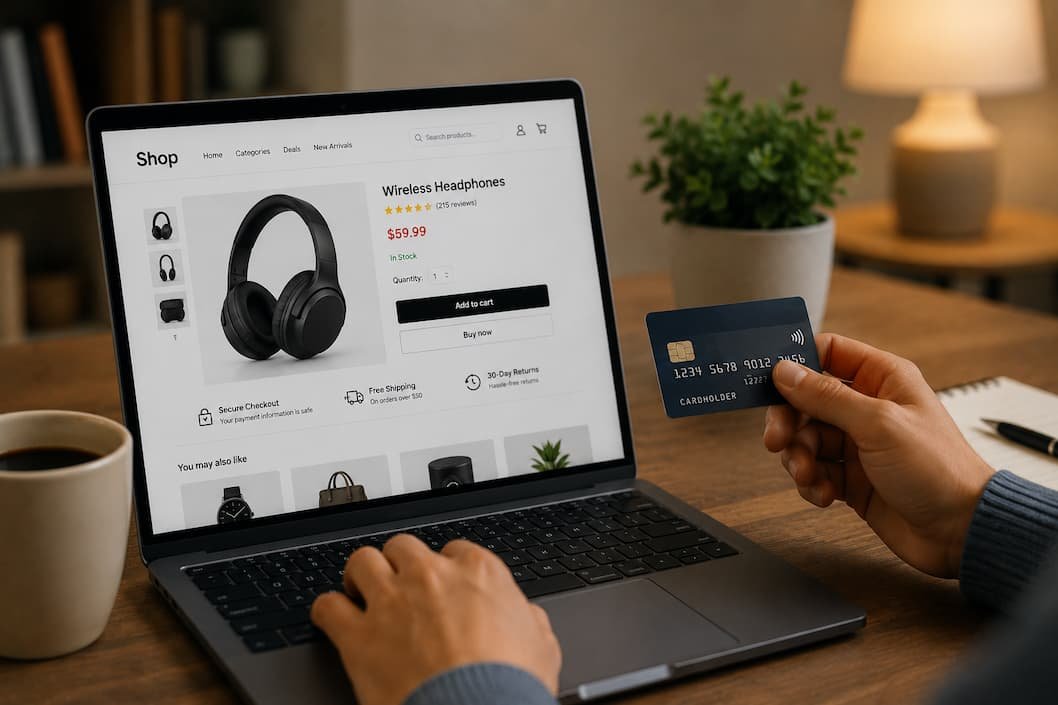
Online shopping has become routine. Groceries, electronics, clothing, gifts, furniture, and even prescription refills can be ordered without leaving home. That convenience has also created opportunities for scammers who know people often make quick buying decisions, especially when a product appears to be discounted or in limited supply.
The good news is that avoiding most shopping scams doesn’t require technical expertise. In many cases, the warning signs appear long before money changes hands. The challenge is recognizing them before clicking Buy Now.
Rather than focusing on a single type of fraud, this guide walks through the entire shopping process—from finding a product to receiving your order—and highlights practical habits that reduce your risk without making online shopping inconvenient.
Before You Start Shopping, Decide What You’re Looking For
Impulse purchases are where scammers often succeed.
When you’re browsing without a specific goal, you’re more likely to click sponsored posts, social media advertisements, or “today only” offers that promise unbelievable discounts.
A different approach works surprisingly well.
Know:
- What you’re buying
- Roughly how much it normally costs
- Which retailers commonly sell it
- Whether it’s in high demand
Once you know the normal market price, fake bargains become much easier to spot.
For example, if every major retailer sells a laptop for around $900, a brand-new listing offering the same model for $249 deserves careful scrutiny—not immediate excitement.
1. Research the Seller Before Looking at the Product
Many shoppers spend more time comparing product specifications than they do researching the business selling the item.
Reverse that order.
Before considering price or shipping speed, ask:
- Does the retailer have an established reputation?
- Is there a clear contact page?
- Are return policies easy to find?
- Does the website explain who operates the business?
A trustworthy business usually makes this information easy to locate.
If basic company details are difficult to find, that’s worth paying attention to.
2. Be Skeptical of Extreme Discounts
Everyone enjoys finding a good deal.
Scammers know this.
Products advertised at 80–90% below their normal selling price often rely on urgency rather than legitimacy.
That doesn’t mean every large discount is fraudulent.
Seasonal sales, clearance events, and discontinued inventory can all produce significant savings.
The key question is whether the discount makes business sense.
If it seems impossible, investigate before purchasing.
3. Check the Website Address Carefully
Some fraudulent websites imitate legitimate stores so closely that the only obvious difference is the web address.
Examples include:
- Extra words
- Misspelled brand names
- Hyphens
- Unusual domain extensions
A quick glance isn’t always enough.
Slow down and read the entire address before entering payment information.
One additional letter can completely change where your information is being sent.
4. Don’t Judge a Store by Its Appearance
Modern website builders allow almost anyone to create a professional-looking online store.
High-quality images, polished product pages, and attractive layouts don’t automatically mean the business is trustworthy.
Instead of focusing on design, evaluate:
- Customer support options
- Business information
- Shipping policies
- Return procedures
- Payment methods
Professional design is easy to copy.
Reliable customer service is much harder to fake consistently.
5. Read the Return Policy Before You Need It
Many people only look for the return policy after something goes wrong.
By then, it’s too late.
Before placing an order, check:
- Return window
- Refund process
- Exchange options
- Return shipping costs
- Non-returnable products
If these details are missing or unusually vague, consider shopping elsewhere.
6. Compare Prices Across Multiple Retailers
A single listing doesn’t tell you much.
Looking at several retailers provides context.
You’re not just comparing prices.
You’re comparing:
- Shipping costs
- Warranty terms
- Delivery estimates
- Included accessories
- Seller reputation
Sometimes the cheapest option becomes the most expensive once hidden fees are added.
7. Be Careful With Marketplace Sellers
Large online marketplaces host thousands of independent sellers.
Most are legitimate.
Some are not.
Instead of trusting the marketplace alone, evaluate the individual seller.
Consider:
- Account history
- Number of completed sales
- Recent customer feedback
- Return practices
Marketplace reputation and seller reputation are two different things.
8. Pay Attention to Product Descriptions
Scam listings often avoid providing specific details.
Instead, they rely on vague marketing language.
Compare these approaches.
Specific
- Model number
- Dimensions
- Materials
- Compatibility
Vague
- Premium quality
- Best ever
- Amazing value
- Professional grade
Detailed descriptions generally indicate the seller understands the product they’re offering.
9. Watch for Pressure Tactics
A countdown timer doesn’t necessarily mean a product is about to disappear.
Messages such as:
- Only one left!
- Sale ends in five minutes!
- Hundreds viewing now!
- Buy immediately!
are designed to encourage quick decisions.
Sometimes they’re accurate.
Sometimes they’re simply marketing techniques.
Either way, avoid making purchasing decisions based solely on urgency.
10. Choose Payment Methods That Offer Buyer Protection
How you pay matters almost as much as where you shop.
Whenever possible, choose payment methods that include dispute or purchase protection if an order never arrives or significantly differs from its description.
Avoid situations where you’re asked to pay using methods that offer little or no buyer recourse, especially when dealing with unfamiliar sellers.
11. Review Shipping Details Carefully
Shipping information often reveals how organized a business really is.
Check for:
- Estimated delivery times
- Tracking availability
- Shipping costs
- International delivery policies
- Customs information when applicable
Extremely vague shipping promises can be a warning sign, particularly for expensive purchases.
12. Be Cautious With Social Media Advertisements
Not every advertisement on social media is fraudulent.
However, scammers frequently use paid advertising because it allows them to reach large audiences quickly.
Instead of purchasing directly through an advertisement, consider visiting the retailer independently and researching the business first.
A few extra minutes of verification can prevent a costly mistake.
13. Avoid Shopping on Public Wi-Fi for Sensitive Purchases
If you’re entering payment information, using a trusted internet connection is generally a safer choice than an open public Wi-Fi network.
If shopping while traveling is unavoidable, make sure you’re using legitimate websites and follow good account security practices.
14. Keep Your Shopping Accounts Secure
Your retailer account may contain:
- Saved addresses
- Payment methods
- Purchase history
- Gift card balances
Protect these accounts with:
- Strong unique passwords
- Two-factor authentication where available
A compromised shopping account can expose more than just your order history.
15. Watch Out for Fake Delivery Messages
Scammers know people expect shipping updates.
Fraudulent messages often claim:
- Your package couldn’t be delivered.
- Additional shipping fees are required.
- Delivery information must be confirmed.
- Customs charges are pending.
Instead of clicking the message, check your order through the retailer’s official website or delivery company’s app.
16. Save Your Order Confirmation
Keep important purchase information until your order is complete.
This includes:
- Order number
- Confirmation email
- Invoice
- Tracking details
- Payment receipt
These records make resolving shipping or billing issues much easier if problems arise later.
17. Review Your Bank Statements
Not every fraudulent charge appears immediately.
After making online purchases, periodically review your payment activity.
Look for:
- Duplicate charges
- Unexpected subscriptions
- Small unfamiliar transactions
- Unauthorized purchases
Catching unusual activity early usually makes resolving it much easier.
18. Keep Your Browser and Device Updated
Security updates aren’t only about fixing bugs.
They often address vulnerabilities that attackers may attempt to exploit while users browse or shop online.
Keeping your browser, operating system, and security software current adds another layer of protection during online purchases.
19. Trust Your Instincts When Something Feels Off
Sometimes there isn’t one obvious warning sign.
Instead, several small details combine to create doubt.
Perhaps the prices are unusually low.
Customer support is difficult to find.
The wording feels inconsistent.
The checkout page looks unfamiliar.
You don’t always need proof that a website is fraudulent.
Feeling uncertain is often reason enough to pause and investigate further.
20. Don’t Let Convenience Override Common Sense
One of the biggest advantages of online shopping is speed.
Ironically, that same speed can become a disadvantage.
Scammers benefit when buyers rush.
Legitimate businesses usually don’t mind if you spend a few extra minutes verifying their website, reading policies, or comparing prices elsewhere.
Good purchasing decisions rarely become worse because you took your time.
A Simple Mental Checklist Before Clicking “Place Order”
Instead of memorizing dozens of security tips, ask yourself these questions:
- Do I recognize this retailer?
- Does the price seem realistic?
- Have I checked the return policy?
- Is the payment method appropriate?
- Would I still feel comfortable buying if there were no countdown timer?
If the answer to several of these questions is “no,” it’s worth slowing down.
Mistakes That Experienced Online Shoppers Usually Avoid
Interestingly, experienced shoppers don’t necessarily know more technical security tricks.
They simply avoid a few common habits.
They rarely buy from the first advertisement they see.
They compare prices before assuming they’ve found a bargain.
They don’t ignore missing return policies.
And they almost never allow urgency to make the final decision.
Those habits reduce risk far more effectively than relying on luck.
Frequently Asked Questions
Is it always safe to shop from large online marketplaces?
Large marketplaces generally provide buyer protections, but individual sellers can vary. Review the seller’s reputation as carefully as the product itself.
What’s the biggest warning sign of an online shopping scam?
An unrealistically low price combined with pressure to purchase quickly is one of the most common warning signs.
Should I trust customer reviews?
Reviews can be helpful, but don’t rely on them alone. Consider the retailer’s policies, contact information, and overall reputation as well.
Is it safer to use a credit card for online purchases?
Many payment methods offer purchase protection or dispute processes. Review the protections available through your payment provider before shopping.
Why should I avoid shopping on public Wi-Fi?
Shared networks increase the importance of using secure websites and good account security practices, particularly when entering payment information.
What should I do if I think I ordered from a fraudulent website?
Contact your payment provider promptly, monitor your account for unusual activity, change any reused passwords, and keep records of your order and communications.
How often should I review my shopping accounts?
Checking your saved payment methods, addresses, and recent orders every few months helps you spot unauthorized changes early.
Conclusion
Safe online shopping isn’t about avoiding every unfamiliar retailer or refusing to shop during sales. It’s about slowing down long enough to make informed decisions. Verifying who you’re buying from, understanding the return policy, choosing secure payment methods, and questioning deals that seem unusually generous can prevent many of the scams that catch shoppers off guard.
The most effective protection isn’t a single browser setting or security tool—it’s developing consistent habits. When you take a few minutes to verify a seller before purchasing, you’re protecting not only your money but also your personal information and online accounts. Over time, those small precautions become second nature, allowing you to enjoy the convenience of online shopping with much greater confidence.

Daniel Kareem is a digital productivity and technology writer focused on simplifying everyday tech use. He creates practical guides on online safety, device optimization, and efficient workflows. His approach centers on clear, step-by-step advice that helps users stay organized, secure, and productive. Through straightforward and realistic content, he aims to make technology easier to understand and more useful in daily life.