
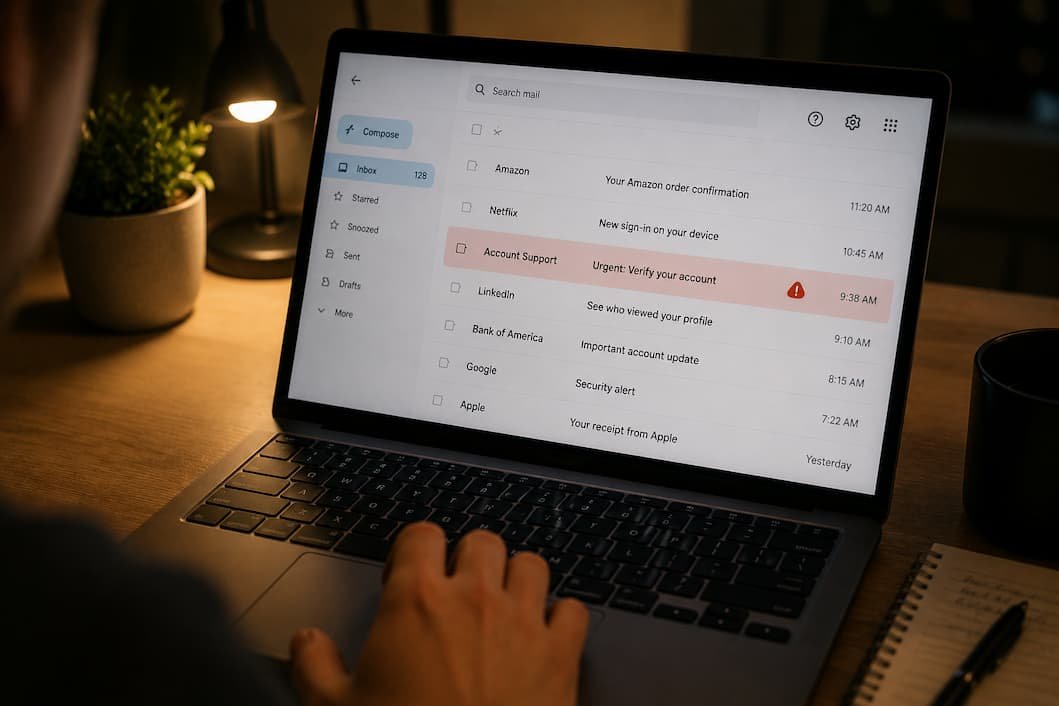
You don’t have to download a virus or visit a suspicious website to become a victim of cybercrime. Sometimes, simply clicking the wrong link in an email is enough to hand over your login details or install malicious software.
Phishing emails have changed dramatically over the past few years. They’re no longer filled with obvious spelling mistakes or unbelievable promises. Many now copy legitimate companies almost perfectly, use convincing branding, and even reference information that appears personal.
That means spotting a phishing email isn’t about looking for one obvious clue. It’s about noticing several small details that, together, reveal something isn’t right.
If you’ve ever wondered whether an email is genuine or just well disguised, this guide will help you evaluate it with confidence instead of relying on guesswork.
Think Like an Investigator, Not a Customer
One habit separates people who regularly avoid phishing scams from those who fall for them: they don’t immediately react to what the email says.
Instead, they pause and ask a few simple questions.
- Was I expecting this message?
- Does the request make sense?
- Is the sender asking me to act urgently?
- Would this company normally contact me this way?
That short pause often prevents expensive mistakes.
Phishing depends on emotion. The attackers want you to act before you have time to think.
The Sender’s Name Isn’t the Important Part
Many people look only at the display name.
For example, an email might appear to come from:
Microsoft Support
or
Amazon Billing
At first glance, everything seems legitimate.
The actual email address tells a much more useful story.
Instead of looking only at the name, expand the sender information.
Compare these examples.
| Looks Safe | Actually Suspicious |
|---|---|
| support@company.com | support-company@gmail.com |
| billing@amazon.com | amazon-security@outlook.com |
| accounts@bank.com | bankverify@hotmail.com |
Professional organizations rarely send important security emails from free email services.
That doesn’t automatically make every Gmail address malicious, but it should encourage closer inspection.
Be Careful When an Email Creates Pressure
Urgency is one of the oldest phishing techniques because it continues to work.
Messages often include phrases like:
- Your account will be suspended.
- Immediate action required.
- Verify your identity today.
- Payment failed.
- Confirm your account within 24 hours.
- Unauthorized login detected.
These messages are designed to reduce careful thinking.
Legitimate companies sometimes send urgent notices, but they rarely pressure you into making split-second decisions through a single email.
Whenever an email tells you that something terrible will happen unless you click immediately, slow down rather than speed up.
Hover Before You Click
One of the simplest habits you can develop doesn’t require any technical knowledge.
Before clicking a link, place your mouse cursor over it.
Most email programs and web browsers will display the destination.
Sometimes you’ll discover something like this:
Displayed text:
Update your account
Actual destination:
secure-company-login.verify-account-example.com
The wording looks convincing.
The destination does not.
I’ve found this tiny habit catches an impressive number of phishing attempts that otherwise appear completely legitimate.
Unexpected Attachments Deserve Extra Suspicion
Attachments aren’t automatically dangerous.
Businesses exchange documents every day.
The concern arises when:
- You weren’t expecting the file.
- The sender is unfamiliar.
- The attachment requests that you enable macros.
- The email insists you must open it immediately.
Even common file types like PDFs or Word documents can sometimes be used to deliver malware if combined with other attack techniques.
If you’re unsure why someone sent you a document, verify the request through another communication method before opening it.
Modern Phishing Doesn’t Always Look Poorly Written
Years ago, grammar mistakes were one of the easiest ways to recognize phishing.
That’s no longer reliable.
Today’s attackers often use:
- AI writing tools
- Professional translation software
- Official company logos
- Correct branding
- Real employee names
Some phishing emails are written so well that grammar offers almost no clue.
Instead of judging writing quality alone, evaluate the entire message.
Who sent it?
Why was it sent?
Does the request make sense?
Personal Information Doesn’t Prove an Email Is Genuine
Many phishing campaigns now include details such as:
- Your first name
- Your employer
- Your city
- Previous purchases
- Company department
People often assume this information proves legitimacy.
It doesn’t.
Much of this data is publicly available or has been exposed in previous data breaches.
Treat personal information as supporting context—not proof that the sender is trustworthy.
Requests for Passwords Should Raise Immediate Questions
Legitimate organizations almost never ask you to reply with:
- Your password
- Banking PIN
- Authentication codes
- Credit card security code
- Recovery codes
If an email requests this information directly, treat it as suspicious until proven otherwise.
Even technical support representatives generally have other ways to verify your identity.
Don’t Judge an Email by Its Logo
Professional branding has become extremely easy to copy.
Attackers regularly use:
- Company logos
- Brand colors
- Matching fonts
- Official signatures
- Legal disclaimers
These design elements create familiarity.
They do not verify authenticity.
One mistake I see fairly often is people trusting an email simply because it “looks official.”
Appearance should never outweigh verification.
The Safest Way to Respond Isn’t Through the Email
Suppose your bank emails you saying there’s unusual activity on your account.
Rather than clicking the included button, try this instead.
Open your browser.
Type the bank’s website address yourself.
Or use the company’s official mobile app.
If the alert is genuine, you’ll usually see the same notification after signing in securely.
This habit removes the email from the equation entirely.
Why Phishing Continues to Work
It’s easy to assume only inexperienced internet users fall for phishing scams.
Reality is very different.
Attackers don’t depend on technical weaknesses.
They exploit human behavior.
Common emotional triggers include:
| Emotion | Typical Phishing Message |
|---|---|
| Fear | “Your account has been locked.” |
| Curiosity | “Someone mentioned you in a document.” |
| Excitement | “You’ve won a prize.” |
| Urgency | “Respond within one hour.” |
| Authority | “Message from your manager.” |
The technology changes every year.
Human psychology changes much more slowly.
Build a Five-Second Verification Habit
Instead of memorizing dozens of phishing techniques, develop one simple routine before interacting with any unexpected email.
Ask yourself:
- Was I expecting this?
- Do I trust the sender?
- Does the request make sense?
- Can I verify this another way?
- Am I being pressured to act quickly?
If even one answer feels uncertain, stop before clicking anything.
Those five seconds may prevent weeks of recovering compromised accounts.
Situations Where People Lower Their Guard
Interestingly, phishing success often depends more on circumstances than technical skill.
People are more likely to make mistakes when they’re:
- Busy at work.
- Traveling.
- Using a mobile phone.
- Responding late at night.
- Expecting an important delivery.
- Waiting for a tax refund.
- Looking for a job.
- Completing online banking tasks.
Smaller screens and distractions make suspicious details easier to miss.
If an email involves money, passwords, or sensitive information, consider reviewing it later on a larger screen before responding.
What To Do If You Think You Clicked a Phishing Link
Not every mistaken click leads to a compromised account, but it’s important to respond quickly.
Start by changing the password for the affected account immediately. If you use that same password anywhere else, change those accounts as well. Enable two-factor authentication if it isn’t already active, review recent login activity, and watch for unfamiliar devices connected to your account.
If you entered financial information, contact your bank or payment provider as soon as possible. Acting within the first few minutes or hours often limits the damage significantly.
The most important thing is not to ignore the mistake. Many people hope nothing will happen, only to discover days later that someone has already accessed their account.
Frequently Asked Questions
Are phishing emails always full of spelling mistakes?
No. Many modern phishing emails are professionally written and closely resemble legitimate business communications.
Can opening an email infect my computer?
Simply opening an email is generally low risk. The greater danger usually comes from clicking malicious links, opening infected attachments, or enabling harmful content within documents.
Why do phishing emails often create urgency?
Urgency encourages quick decisions. When people feel pressured, they’re less likely to verify links, email addresses, or unusual requests.
Is it safe to click links from companies I recognize?
Not automatically. Even if the message appears to come from a familiar company, verify the destination before clicking or visit the company’s official website directly.
How can I check whether a link is safe?
Hover your mouse over the link to preview the destination or manually type the company’s official web address into your browser instead of using the email link.
What should I do if I accidentally gave away my password?
Change the password immediately, enable two-factor authentication, review recent account activity, and update any other accounts where that password was reused.
Can phishing emails target businesses as well as individuals?
Absolutely. Many phishing campaigns specifically target employees in finance, human resources, customer support, or management because they often have access to valuable information or company systems.
Conclusion
Phishing emails have become much more convincing than they were a few years ago. Professional branding, realistic writing, and personalized details mean that obvious warning signs aren’t always present anymore. Rather than searching for one clue that proves an email is fake, it’s better to evaluate the message as a whole—who sent it, what it wants, and whether its request fits the situation.
The safest habit isn’t learning hundreds of scam examples. It’s slowing down before taking action. Verify the sender, inspect links before clicking, question unexpected attachments, and visit important websites directly instead of relying on email buttons. Those small habits take only a few seconds, but they dramatically reduce the chances of becoming the next victim of a phishing attack.

Daniel Kareem is a digital productivity and technology writer focused on simplifying everyday tech use. He creates practical guides on online safety, device optimization, and efficient workflows. His approach centers on clear, step-by-step advice that helps users stay organized, secure, and productive. Through straightforward and realistic content, he aims to make technology easier to understand and more useful in daily life.