
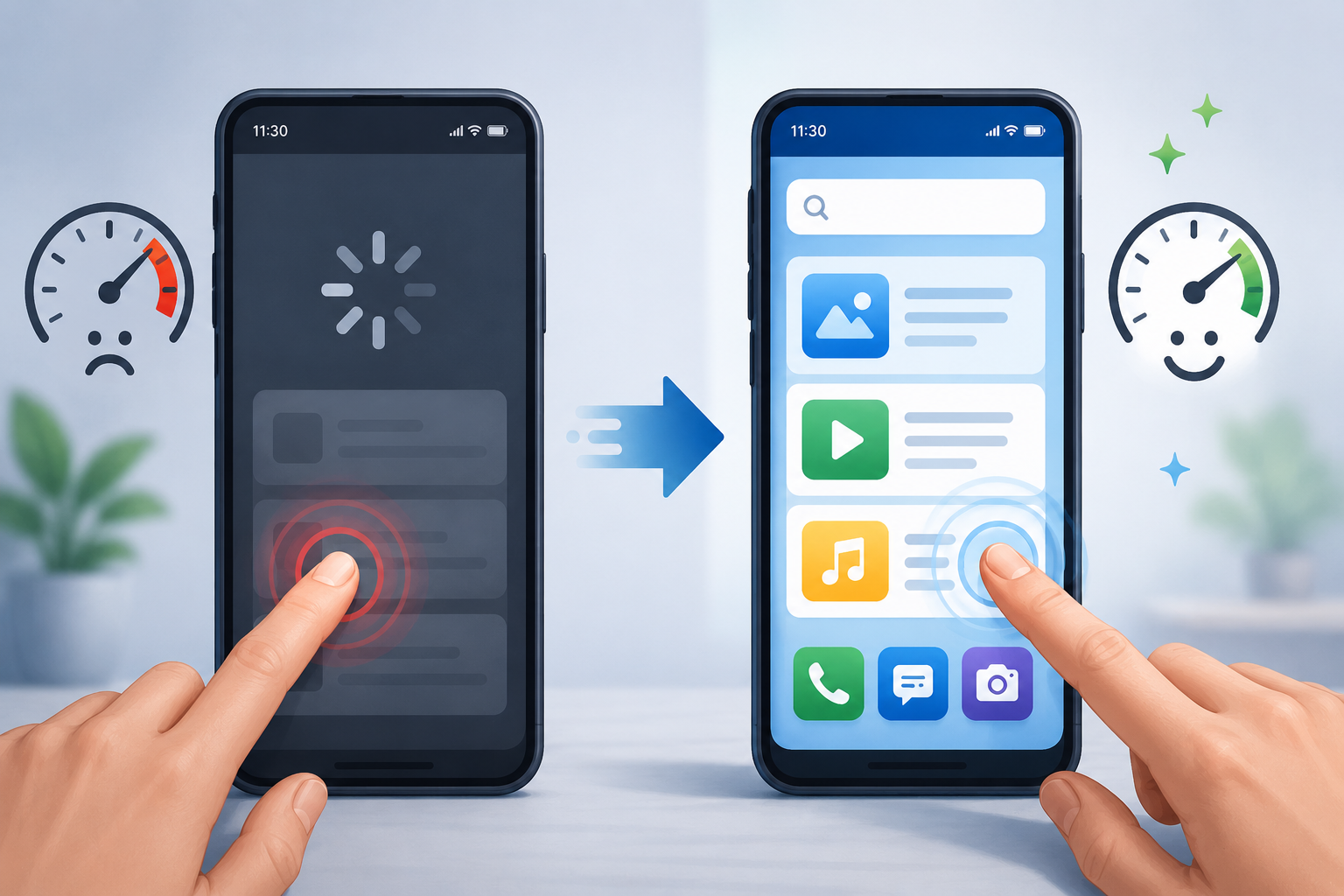
Smartphones have become central to daily life—used for communication, banking, learning, entertainment, navigation, and even running small businesses. But when a device starts slowing down, one of the most frustrating problems users face is delayed or unresponsive touchscreen behaviour. You tap, swipe, or scroll, and the phone reacts late—or sometimes not at all.
This issue is more common than many people realise, especially on older or budget devices. The good news is that touchscreen responsivenessdepends on hardware quality, software performance, system load, and how the device isg used. In this article, we’ll break down what touchscreen response actually means, why it becomes slow, how it impacts daily life, and what practical steps can help improve the experience in real-world usage.
Understanding Touchscreen Response: What It Actually Means
‘Touchscreen response’ refers to how quickly and accurately your phone reacts when you interact with the screen. Every tap, swipe, pinch, or scroll is registered by sensors under the display, then processed by the phone’s software, and finally shown as an action on the screen.
In simple terms, it’s the chain:
Your finger → touchscreen sensor → processor → software → visual response
When everything works smoothly, the interaction feels instant. But when the device is slow, one or more points in this chain get delayed.
In practical terms, this is why:
- Apps take time to open after tapping
- Scrolling feels “sticky” or laggy
- Keyboard typing has delay
- Swipes don’t register immediately
Understanding this basic flow helps us see that improving touchscreen response is not just about the screen itself—it’s about overall device performance.
Why Touchscreens Become Slow on Mobile Devices
Slow touchscreen response is usually not caused by a single issue. Instead, it is a combination of multiple factors that affect how efficiently the phone operates.
1. Limited Processing Power
Older or low-end phones often struggle to handle modern apps. When the processor is busy, the system overloads and delays touch inputs.
2. Background Apps Running Continuously
Many apps continue working in the background—syncing data, sending notifications, or updating content. This reduces available memory and slows down touch processing.
3. Storage Nearly Full
When storage is almost full, the system has less space for temporary files. This can cause lag in overall performance, including touch response.
4. Heavy or Poorly Optimized Apps
Some apps require more resources than others. Social media apps, games, and video apps can sometimes slow down older devices.
5. Outdated Software
Older operating systems may not be optimised for newer apps, leading to lag and delayed screen response.
6. Screen or Hardware Wear (in older devices)
In rare cases, physical screen wear or internal hardware ageing can also affect responsiveness.
How Touchscreen Lag Affects Everyday Life
Touchscreen delay might sound like a small issue, but in real life, it can affect how smoothly a person uses their phone in multiple ways.
Communication Delays
When messaging apps lag, typing becomes frustrating. Even small delays in sending messages can interrupt conversations.
Productivity Issues
For students or professionals, a slow response means
- Slower note-taking
- Delayed app switching
- Reduced efficiency during tasks
Online Transactions and Banking
Even a slight lag during payment apps or banking apps can create uncertainty and confusion while performing sensitive tasks.
Entertainment Experience
Watching videos or playing games becomes less enjoyable when scrolling or tapping is not smooth.
Business Usage
For small business owners using mobile apps for orders, payments, or customer communication, lag can lead to delays in service.
In real-world terms, a slow touchscreen doesn’t just feel annoying—it can affect time, productivity, and confidence in using the device.
Practical Ways to Improve Touchscreen Responsiveness
Improving touchscreen response is not always about repairing hardware. In many cases, it is about optimising the device’s performance so it can respond faster.
1. Closing Unnecessary Background Apps
Many users keep multiple apps open without realising their impact. Closing unused apps helps free memory and processing power.
In practical terms, this means your phone has more “space” to respond quickly to your touch.
2. Restarting the Device Regularly
A simple restart clears temporary system load. It refreshes memory and stops hidden background processes that may slow the system down.
This often leads to a noticeable improvement in touch response.
3. Freeing Up Storage Space
Deleting unused files, old videos, and unnecessary apps can help improve overall system speed.
Even a small amount of free space can make the device feel more responsive.
4. Updating Apps and System Software
Updates often include performance improvements. Keeping your system updated ensures better compatibility and smoother operation.
5. Reducing Animations and Visual Effects
Many phones include visual animations that make transitions look smooth but can slow down older devices. Reducing or disabling them can make the touch response feel faster.
6. Avoiding Heavy Multitasking
Switching between too many apps at once can overload the system. Using fewer apps at a time improves responsiveness.
7. Checking for Problematic Apps
Sometimes one poorly optimised app can slow down the entire device. If lag started recently, uninstalling or disabling that app may help.
Real-World Example: A Common User Experience
Imagine a student using a budget smartphone for online classes. At first, everything works fine. Over time, they install multiple apps—video platforms, study tools, games, and social media.
After a few months:
- The phone starts freezing during lectures
- Notes take longer to open
- Swiping between apps feels delayed
In this situation, the issue is not just the phone “getting old” but system overload. By clearing storage, closing background apps, and reducing unnecessary usage, the same device can feel noticeably more responsive again.
This example shows that touchscreen performance is closely linked to how the phone is managed in daily use.
Impact of Device Performance on Touch Interaction
Touchscreen responsiveness is directly tied to user experience. Even small delays can change how people feel about their device.
Psychological Impact
Slow response often creates frustration. Users may tap multiple times, thinking the phone didn’t register the input, which worsens the problem.
Efficiency Loss
Tasks take longer to complete, even if the actual work is simple.
Reduced Device Lifespan Perception
Users often assume their phone is “broken” or outdated, even when it still has usable hardware.
Digital Fatigue
Constant lag makes even simple tasks feel tiring, reducing overall satisfaction.
In real-world terms, smooth touch response is not just a technical feature—it affects how comfortable and confident users feel while using their device.
Challenges in Improving Touchscreen Performance
While there are several ways to improve responsiveness, there are also limitations that users should understand.
1. Hardware Limitations
Older processors and limited RAM cannot match modern performance levels. Software optimisation helps, but only up to a point.
2. App Size and Complexity Growth
Modern apps are more feature-rich and heavier than before, which naturally demands more resources.
3. Storage Wear Over Time
Flash storage in phones can slow down after years of use, affecting overall performance.
4. Background System Processes
Some system-level processes cannot be fully disabled, as they are essential for phone functionality.
Understanding these limitations helps set realistic expectations. Not all lag can be fully eliminated, especially on older devices.
Future Trends in Touchscreen Responsiveness
Technology continues to evolve, and future devices are likely to handle touch input more efficiently.
Smarter Operating Systems
Future systems are expected to better manage background processes and prioritise touch response.
AI-Based Optimization
Some devices already use AI to predict user behaviour and allocate resources more efficiently, improving responsiveness.
Faster and More Efficient Hardware
Newer processors are designed to handle multitasking with less delay.
Improved Touch Sensor Technology
Touchscreens themselves are becoming more sensitive and accurate, reducing input lag.
In simple terms, future mobile devices will likely feel more instant and fluid, even under heavy usage.
How Users Can Maintain Smooth Touch Experience Long-Term
Instead of reacting only when problems appear, users can maintain better performance through consistent habits:
- Regularly clear unused files
- Avoid installing unnecessary apps
- Restart devices occasionally
- Keep system updated
- Monitor storage usage
These simple habits help ensure that touchscreen performance remains stable over time.
Conclusion
Improving touchscreen response on slow mobile devices is not about a single fix—it is about understanding how the entire system works together. The responsiveness of a screen depends on processor load, storage health, background activity, and software optimisation.
In everyday life, even small improvements in responsiveness can make a noticeable difference in communication, productivity, and overall user satisfaction. While hardware limitations do exist, many performance issues can be reduced through practical usage habits and basic optimisation steps. By maintaining your device properly and understanding what affects performance, you can extend the usable life of your smartphone and enjoy a smoother, more responsive experience.

Daniel Kareem is a digital productivity and technology writer focused on simplifying everyday tech use. He creates practical guides on online safety, device optimization, and efficient workflows. His approach centers on clear, step-by-step advice that helps users stay organized, secure, and productive. Through straightforward and realistic content, he aims to make technology easier to understand and more useful in daily life.