Why Most Digital Organization Systems Fail After a Few Weeks

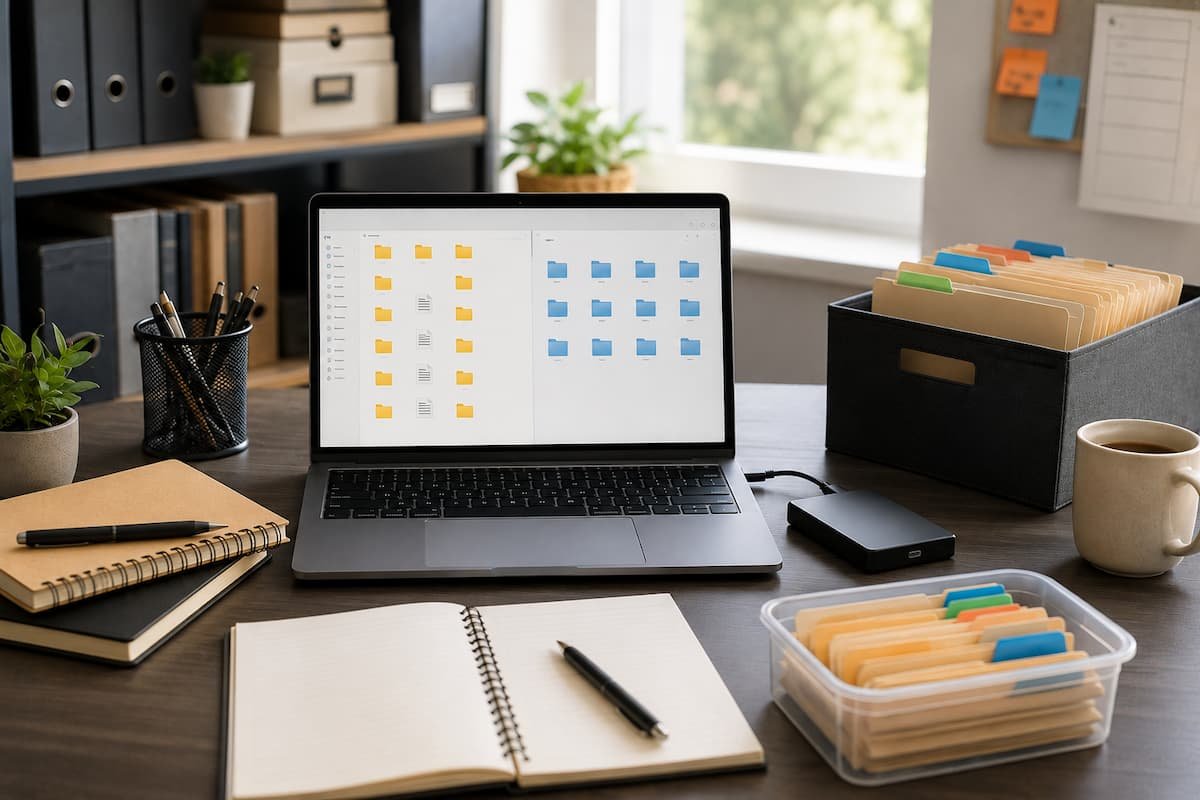
A few years ago, I spent nearly an entire Saturday reorganizing my computer. I created neatly labeled folders, color-coded projects, renamed hundreds of files, and even wrote down rules for where every document should go. By Monday, everything looked perfect. Three weeks later, my Downloads folder was full again, screenshots were scattered across the desktop, … Read more

The Weekly Digital Reset Routine That Keeps Your Files and Tasks Under Control

Digital clutter builds slowly. A few downloaded files here, hundreds of unread emails there, unfinished tasks scattered across different apps, and random documents saved without a clear location can quickly make your digital life feel overwhelming. Unlike physical clutter, digital mess is easy to ignore because it does not take up visible space. However, it … Read more

The Browser Settings I Change Before Using a New Computer

I normally open the browser first when I set up a new computer. Not because I want to browse immediately, but because it will handle most of it—downloading software, signing in, accessing cloud storage, reading documentation. I’ve learned that spending ten minutes adjusting browser settings upfront prevents months of minor issues. I skipped this stage … Read more

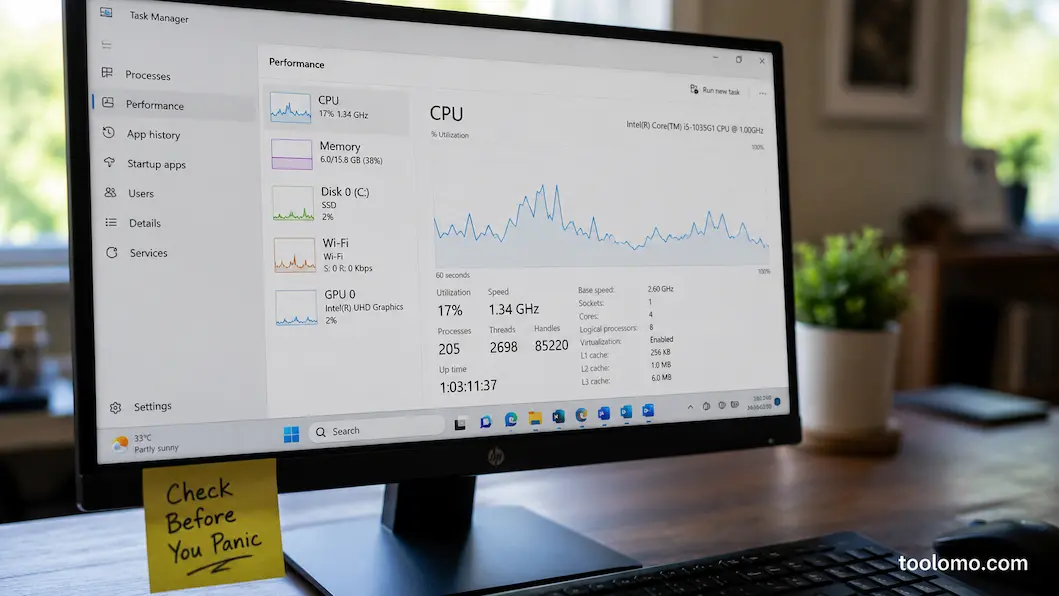
A Practical Monthly Checklist for Keeping Windows Running Smoothly

Some vulnerabilities in Windows systems don’t appear overnight; they quietly accumulate. For instance, a plug-in you installed but ignored might now be running in the background; three new applications might have been automatically added to your startup items; Windows might push feature updates without your permission; and large downloaded files might remain in your ‘Downloads’ … Read more